Whenever I'm exploring a new PowerShell module or snapin, one of the first things I do is list all of the commands found within the module.
PS C:\scripts> get-command -module psworkflow

CommandType     Name                                               ModuleName
-----------     ----                                               ----------
Function        New-PSWorkflowSession                              PSWorkflow
Cmdlet          New-PSWorkflowExecutionOption                      PSWorkflow
You can specify either a module or a snapin. Use the -module parameter for both. However, for larger modules, I've realized I need a better way to browse the commands. For example, I might need to see them organized by verb or noun. That information is included with the Get-Command expression. I simply have to ask for it. Here's a more thorough command and the result.
get-command -mod Hyper-V | select Name,Noun,Verb,CommandType
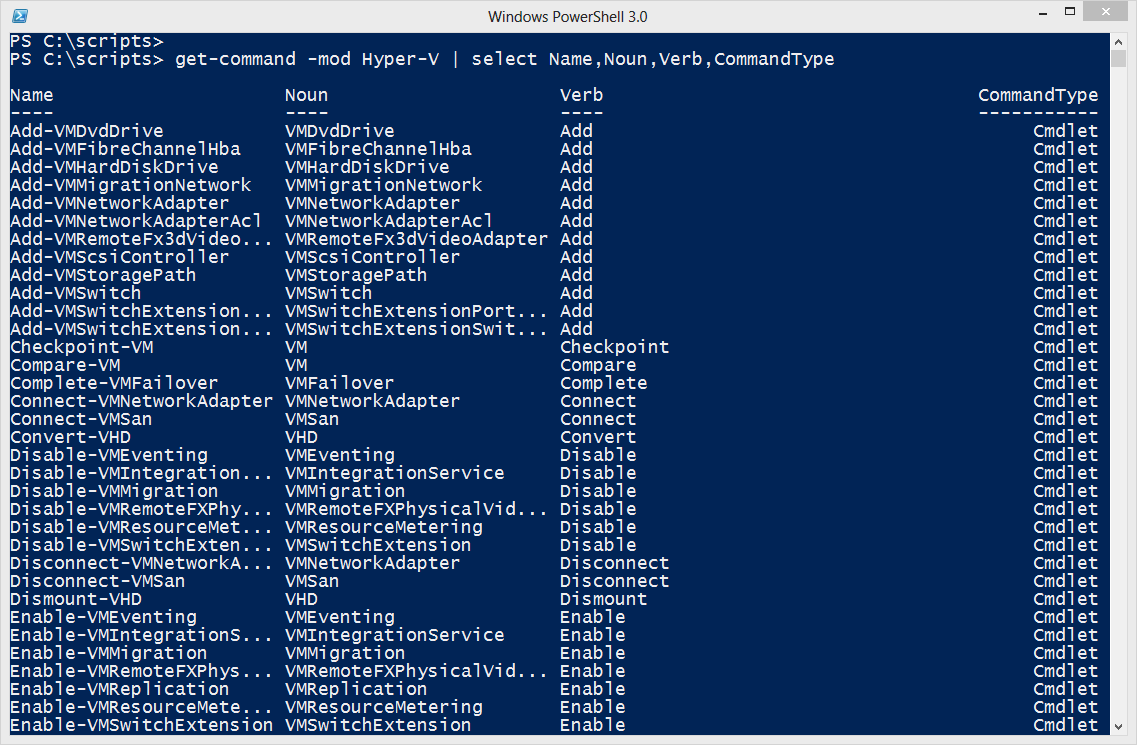
I included the command type because some modules might contains cmdlets and functions. I could revise this expression and insert a sort command. But that's too much typing. Especially if I want to sort and re-sort. Instead, I'll pipe this command to Out-Gridview.
get-command -mod Hyper-V | select Name,Noun,Verb,CommandType | Out-Gridview -Title "Hyper-V"
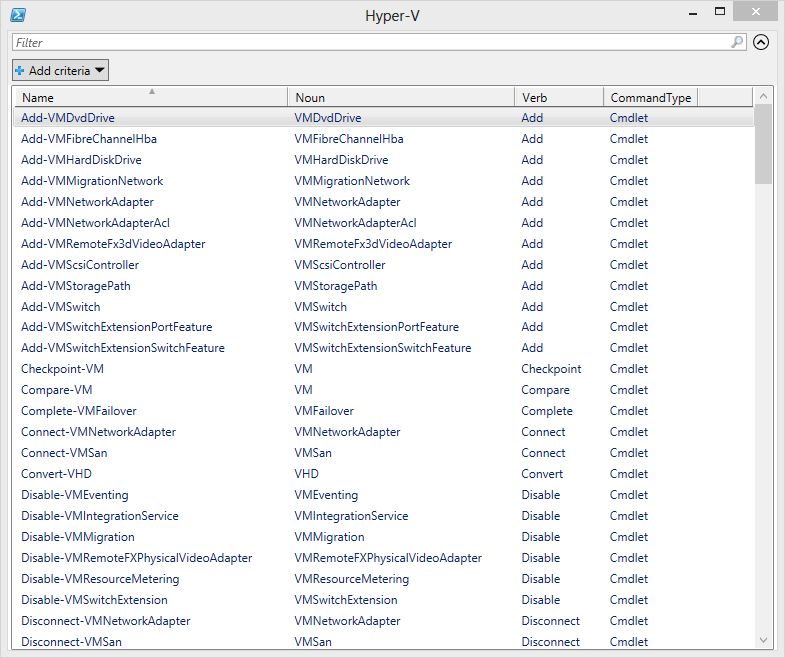
Now I have a sortable and filterable view of all the commands. Plus, it is in a separate window so I have my prompt back and get help for listed commands. I even decided to build a quick-and-dirty function.
Function Get-CommandGridView {

[cmdletbinding()]

Param([string]$Name)

 #get commands for the module or snapin
 $commands = Get-Command -Module $name

 #if module or snapin not found, Get-Command doesn't throw an exception
 #so I'll simply test if $commands contains anything
 if ($commands) {
    #include the module name because $Name could contain a wildcard
    $Commands |
    Select-Object -Property Name,Noun,Verb,CommandType,ModuleName |
    Out-Gridview -Title "$($Name.ToUpper()) Commands"
 }
 else {
    Write-Warning "Failed to find any commands for module or snapin $name"
 }

} #close Get-CommandGridView

Set-Alias -Name gcgv -Value Get-CommandGridView
Because the module or snapin name can include a wildcard, I added the module name to the output. Now I have a tool to grab all the commands from a module or set of modules and I can filter and browse all I want without having to retype or revise commands at the prompt.
3 thoughts on “Browsing PowerShell Commands”
Comments are closed.