Skip to content
Menu
The Lonely Administrator
  • PowerShell Tips & Tricks
  • Books & Training
  • Essential PowerShell Learning Resources
  • Privacy Policy
  • About Me
The Lonely Administrator

Your Christmas PowerShell Prompt

Posted on December 6, 2018

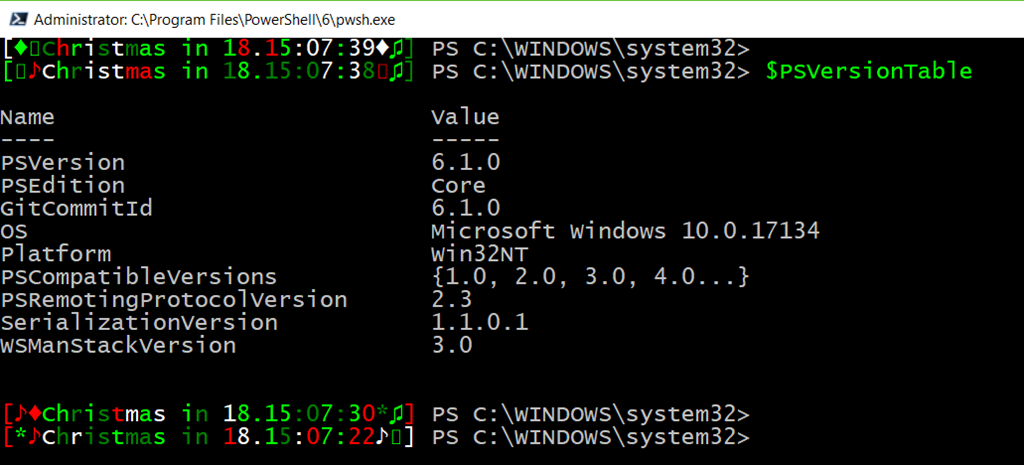
Continuing my fun with PowerShell prompts and because we are in the Christmas season. I’m bringing back my Christmas countdown prompt. I have updated so it should work in both the traditional console and PowerShell ISE.
image

The prompt displays a randomly colorized countdown message with some random decorations. You can find the updated code as a gist on my Github repository.

I suggest putting the code in your PowerShell profile script. The function only loads if the current date is in December and the day is less than the 25th. An alternative approach would be to move the IF logic inside the prompt function. If it is Christmas time use the holiday themed prompt. Otherwise, use your default prompt.

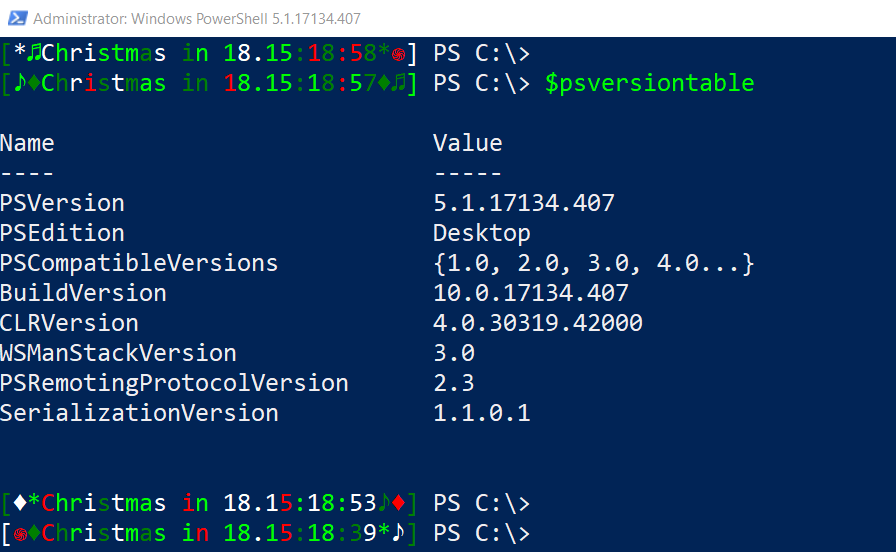
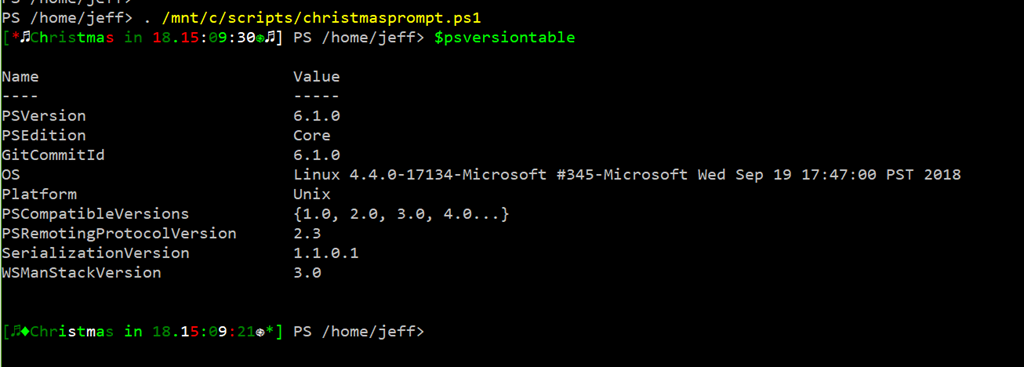
The prompt function should work cross platform as well.
image

image

If you don’t get the special characters you might need to change your font. This should work with most True Type fonts. Of modify the prompt and paste in whatever characters you want from charmap.exe.

Consider this an early Christmas present. Enjoy.

Share this:

  • Print (Opens in new window) Print

Like this:

Like Loading…

Related

The PowerShell Practice Primer
Learn PowerShell in a Month of Lunches Fourth edition


Get More PowerShell Books

Other Online Content

github


PluralSightAuthor

Active Directory ADSI Automation Backup Books CIM CLI conferences console Friday Fun FridayFun Function functions Get-WMIObject GitHub hashtable HTML Hyper-V Iron Scripter ISE Measure-Object module modules MrRoboto new-object objects Out-Gridview Pipeline PowerShell PowerShell ISE Profile prompt Registry Regular Expressions remoting SAPIEN ScriptBlock Scripting Techmentor Training VBScript WMI WPF Write-Host xml

©2026 The Lonely Administrator | Powered by SuperbThemes!
%d